NEW WORK
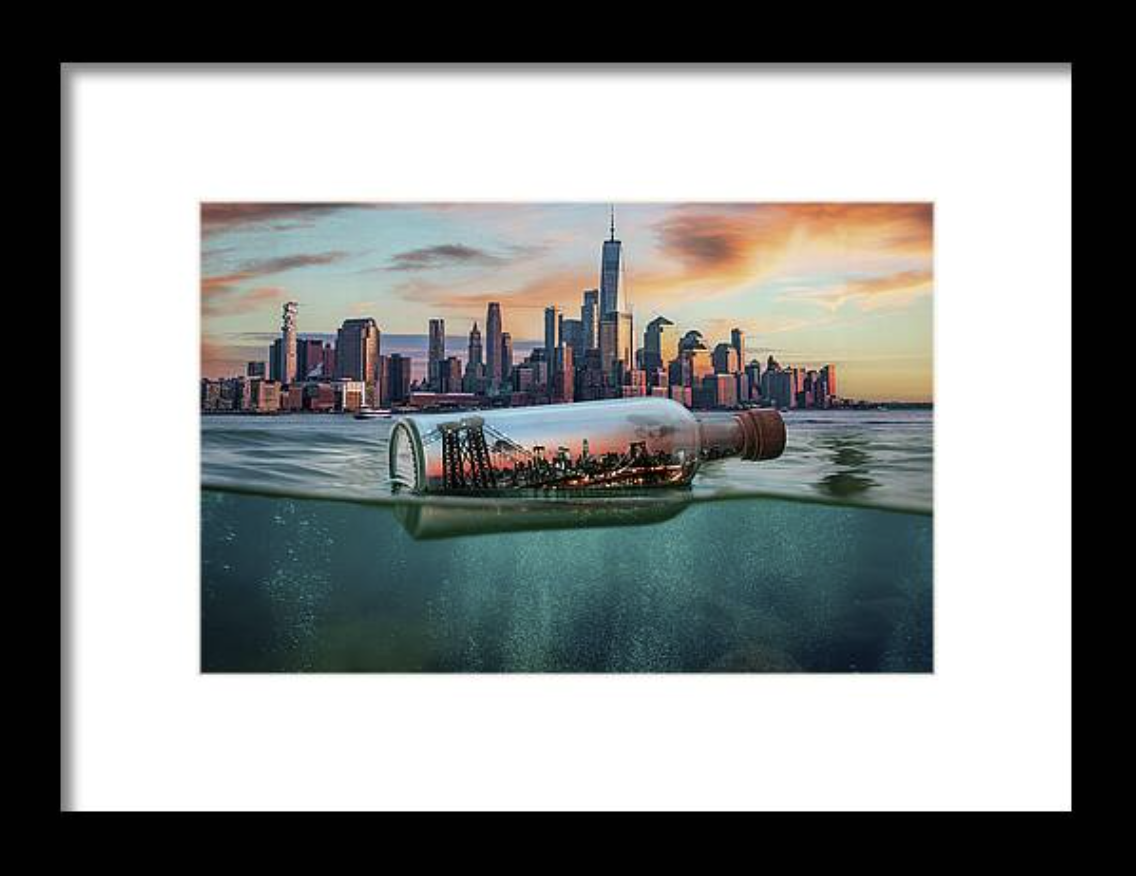
New York City in a Bottle – A Captured Skyline at Sunset
New York City in a Bottle captures the skyline of the city that never sleeps — sealed inside a glass bottle adrift at sunset.…
Art, tutorials and visual experiments
NEW WORK
(Includes my real-world comparison with Photoshop & Upscayl)
If you’ve found this article, chances are you’re looking for the best AI-powered tool to upscale or enhance your images. Maybe you’ve already read my deep-dive comparison of Topaz Gigapixel AI, Photoshop, and Upscayl –
In that post, Topaz Gigapixel AI came out as my personal favorite for high-quality image enlargement.
But now there’s another strong contender — Topaz Photo AI, a more comprehensive tool from the same developer.
So what’s the difference?
And more importantly: Which one fits your creative process best?
| Feature | Topaz Gigapixel AI | Topaz Photo AI |
|---|---|---|
| Main purpose | Upscaling only — extremely focused and specialized | All-in-one photo enhancement (upscaling, noise, sharpness) |
| Upscaling quality | Best-in-class for enlargement | Excellent, but slightly less control over upscaling itself |
| Noise reduction | ❌ Not included | ✅ Included (AI Denoise models) |
| Sharpening tools | ❌ Not included | ✅ Included (Recover faces, sharpen motion blur, etc.) |
| AI Face Recovery | ✅ Yes | ✅ Yes + integrated with other tools |
| Cloud rendering (Pro) | ✅ Yes | ✅ Yes |
| User experience | Clean, focused, batch-friendly | Smart autopilot + manual override |
| File output | TIFF, PNG, JPG, DNG, batch friendly | Same, with more editing options |
| Best for… | Upscaling images with maximum fidelity | Improving entire photos, including detail, sharpness & size |
Personally, I use Topaz Gigapixel AI regularly — especially in workflows involving 3D renders, AI-generated artwork, and composite photography.
My typical workflow includes preparing or retouching the image manually in Photoshop, making sure everything is clean before I upscale.
That’s why I rarely use Photo AI myself. My source files are usually controlled and optimized before resizing, and I enjoy the hands-on editing process. I’ve spent years working in Photoshop, and I like doing things my way — even if it takes a bit longer.
That said, I absolutely see the value in Photo AI, especially for artists or photographers who:
A fellow artist I know prefers Photo AI for exactly those reasons — it’s become their go-to for speeding up post-production.
Here’s a quick guide to help you decide:
Yes. You can first clean up and sharpen your image in Photo AI, and then pass it through Gigapixel AI for precise upscaling. The tools don’t conflict, and you can mix and match based on the image and project.
In my experience — yes. If your final goal is a high-resolution print, especially from a digital or AI source, Gigapixel gives the most consistent quality and control when enlarging for output.
Photo AI has batch capabilities, but Gigapixel AI handles large batch jobs more efficiently, especially when scaling many files at once without other enhancements needed.
Both Gigapixel and Photo AI are excellent tools from Topaz Labs — and each has its own strengths.
If you want to keep control over your upscaling and already know your way around Photoshop or Lightroom, Gigapixel AI is probably your best choice.
But if you’re looking for a smarter, faster way to enhance and resize your photos with minimal effort, Photo AI could save you a lot of time — especially if you’re just starting out or working with lower-quality input.
Whatever you choose, both tools can dramatically improve the quality of your visuals — and help you deliver your art or photography at its full potential.
Happy creating!
— Arjen
If you decide to buy, you can support my blog at no extra cost by using one of the affiliate links:
Thank you for supporting independent artists and creators like me 🙏
Subscribe to get the latest posts sent to your email.
Related Writing

NEW WORK
In this article, I share the complete creative process behind my The Godfather fanart — from 3D rendering in Daz3D to AI refinement with…

NEW WORK
Title: The Making of “Beauty in Abstract with Lipstick” – A Digital Pop Art Reflection on Modern Beauty Meta Description: Discover how Beauty in…
Explore Next