Why it’s great for clean re-imagining, why it’s not a real upscaler (yet), and how it fits next to Topaz Labs Bloom & Magnific AI
1 Why another upscaler post?
My earlier Topaz- and Magnific-reviews bring steady Google traffic and affiliate income, but I’m also permanently hunting for tools that streamline my own workflow—currently a mix of Leonardo.ai for generation, Magnific AI for creative enlargements, and Topaz Gigapixel for faithful upscales.
When I discovered that Imagine.art had launched a Creative Upscaler (with free trial credits), I had to try it. Spoiler: it turns out to be more of a creative re-imagine engine than a pixel-doubler—but that can still be useful (and cheap).
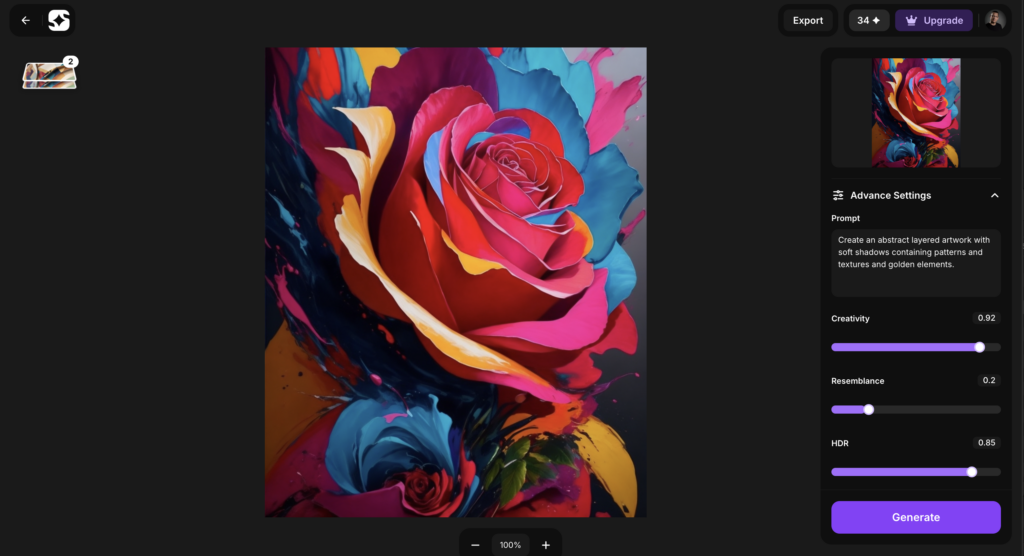
Upload any image → tweak four sliders → get a fresh, creative version at the same resolution.
Sliders: Creativity, Resemblance, HDR and of course a prompt to describe your creative vision for the image.
Commercial use on every tier.
Imagine.art creative upscale interface
2 bis Wait—no resolution boost?
Correct. I first thought “detail harvesting” would double the pixels, but the file stayed exactly 1024 px wide. Imagine is currently a creative enhancer, not a super-resolution engine. You’ll still need Gigapixel, Bloom or free Upscayl afterwards if you want large prints.
3 Hands-on settings & results
Slider
My “clean detail” pass
Notes
Creativity
0.98
Adds texture without chaos
Resemblance
0.48
Keeps anatomy, allows new accents
HDR
0.61
Micro-contrast; higher looks plastic
The output is surgically clean—great for UI assets, logos, stylised posters. If you want gritty or painterly, Magnific and Bloom still win.
4 Pricing (June 2025)
Tier
€/mo (yearly)
Max res
Visibility
Commercial
Basic
Free credits
3 000 px
Public feed
Yes
Standard
€ 10
8 000 px
Public feed
Yes
Professional
€ 39
8 000 px*
Private
Yes
* Higher limits are available also but are out my my personal use case. At € 39 the Pro tier costs the same as Magnific Pro—only worth it if you prefer clean results.
Magnific AI – full control & true 100 MP upscales; can go gritty.
6 When does Imagine make sense?
You’re on a budget: € 10 tier already allows commercial use.
You love clean, “vector-like” detail.
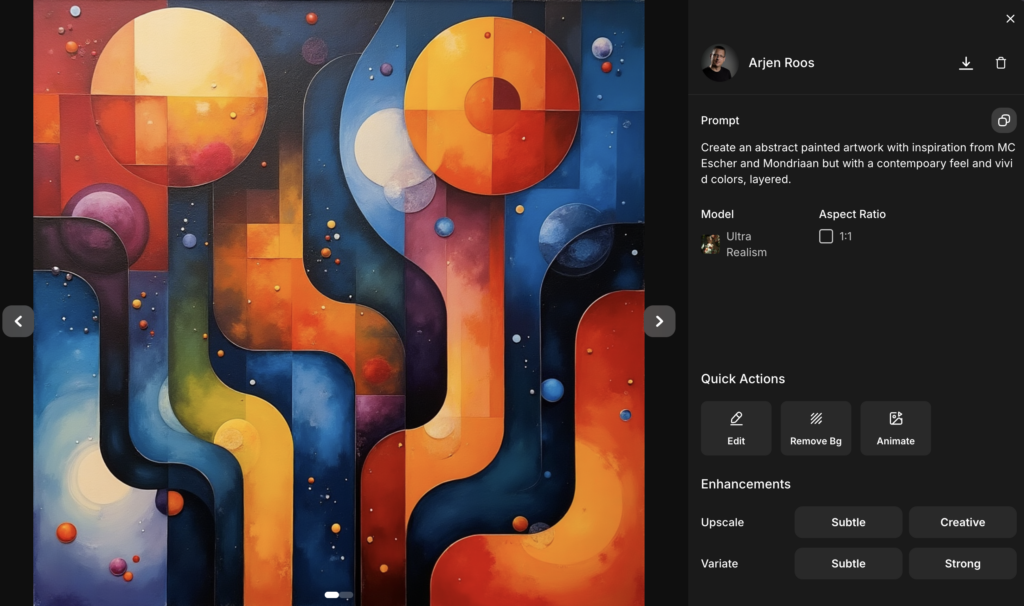
You’d like a built-in image generator—Imagine’s text-to-image tool is included, so you might save a Midjourney or Leonardo subscription.
You’ll still need a real upscaler afterwards if print size matters.
Imagine Art image generation
7 Verdict
Imagine Art Creative Upscaler = Almost Magnific-style control + Bloom-grade cleanliness, but still 1× resolution. Great for quick re-imagining and social media assets; not (yet) a Gigapixel replacement.